×

Liking and Disliking Shows
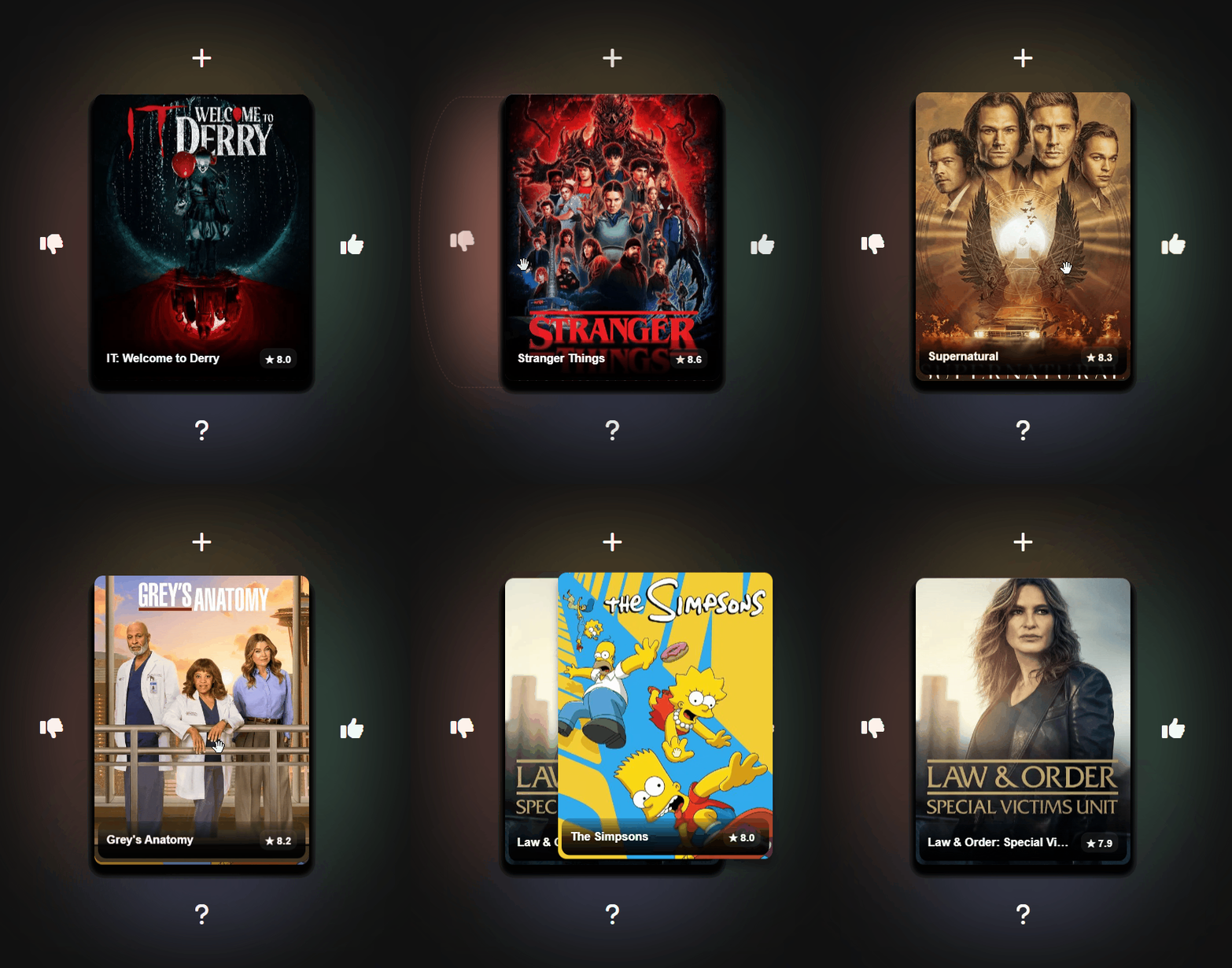
Swipe or click the buttons to like/dislike a show.
Only like shows that you have seen before and enjoyed.
Only dislike shows that you have seen before and did not enjoy, or are certain you would not enjoy.
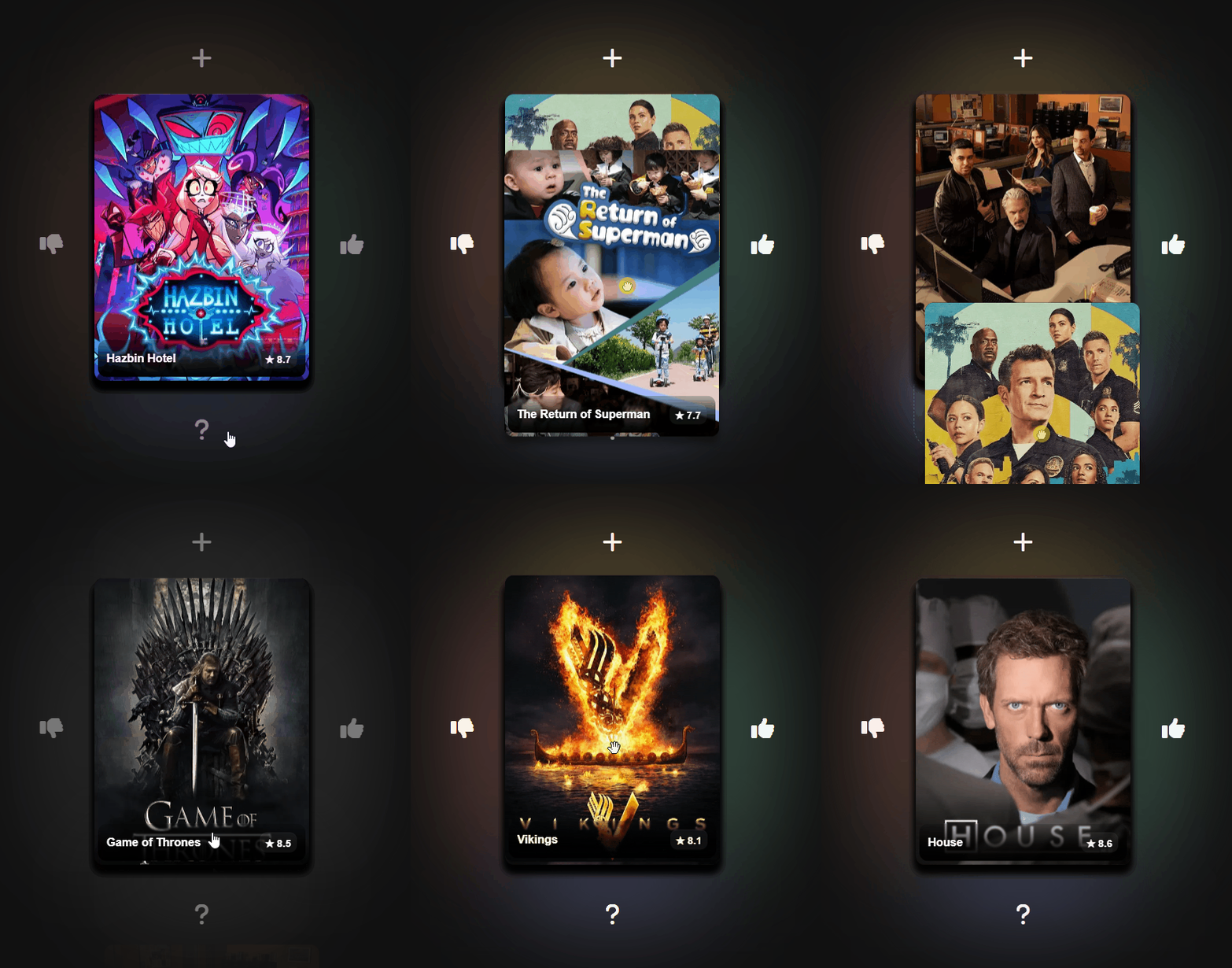
Swiping Up and Down
Swiping into or clicking the area will saved the show to your list.
Swipe or click down on the area if you have not seen the show, this won't affect your recommendations.
Clicking the card will show more details about the show.
Add to Watchlist
Clicking the hamburger menu in the top left of the screen shows you your Saved Shows.
Click shows in the list to view more details about them.
Click the icon to remove
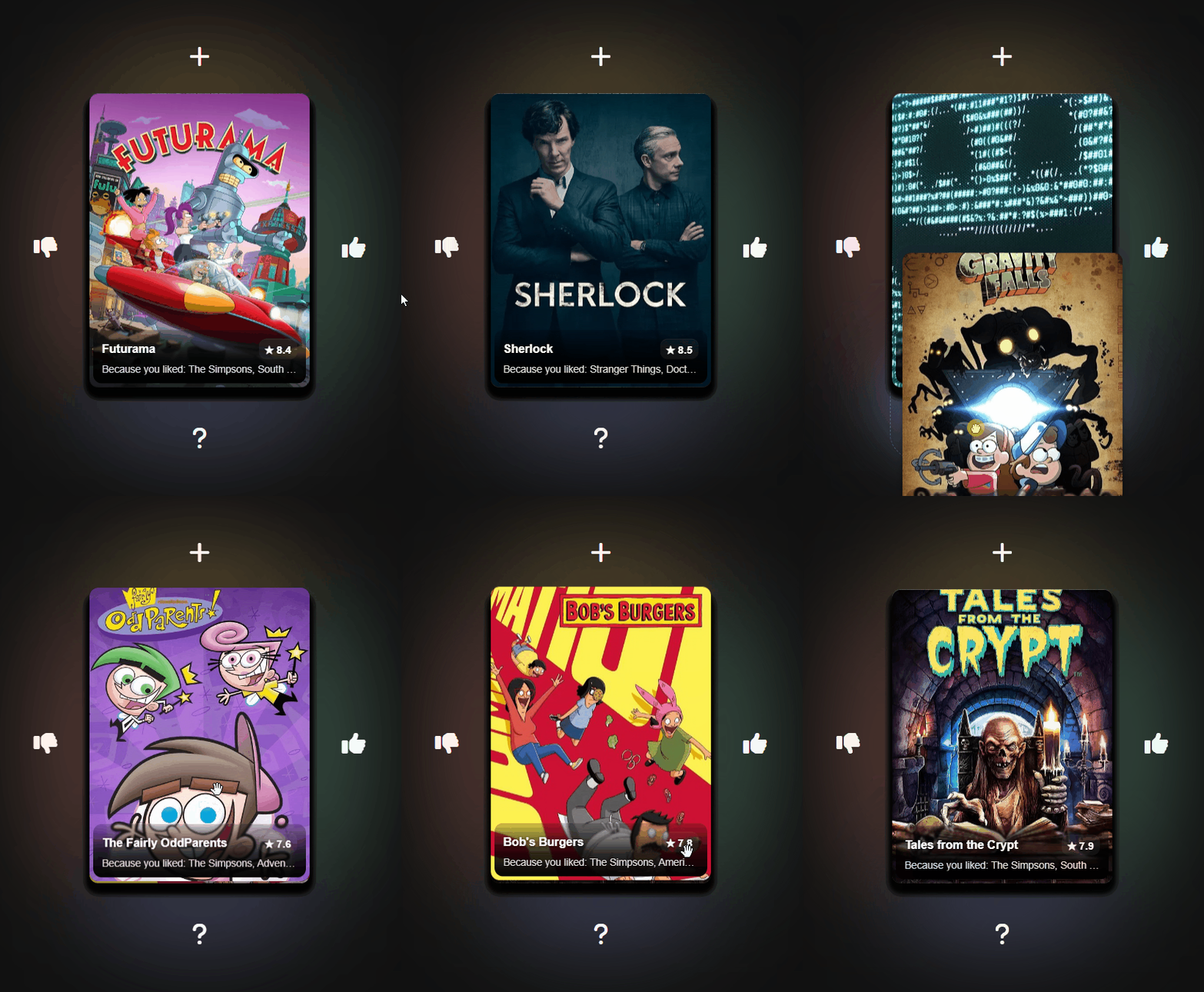
Recommended Shows
After you like enough shows, you will be recommended shows based on your likes/dislikes.